Requirements coverage
The Requirements panel shows what the assistant has learned about your plan so far, and which parts of the requirements are still open.
Open the panel
The Requirements pill in the header shows a coverage ring and the share of requirements covered, for example "40% covered". Select it to open the panel.
The panel opens by itself once your plan has a title.
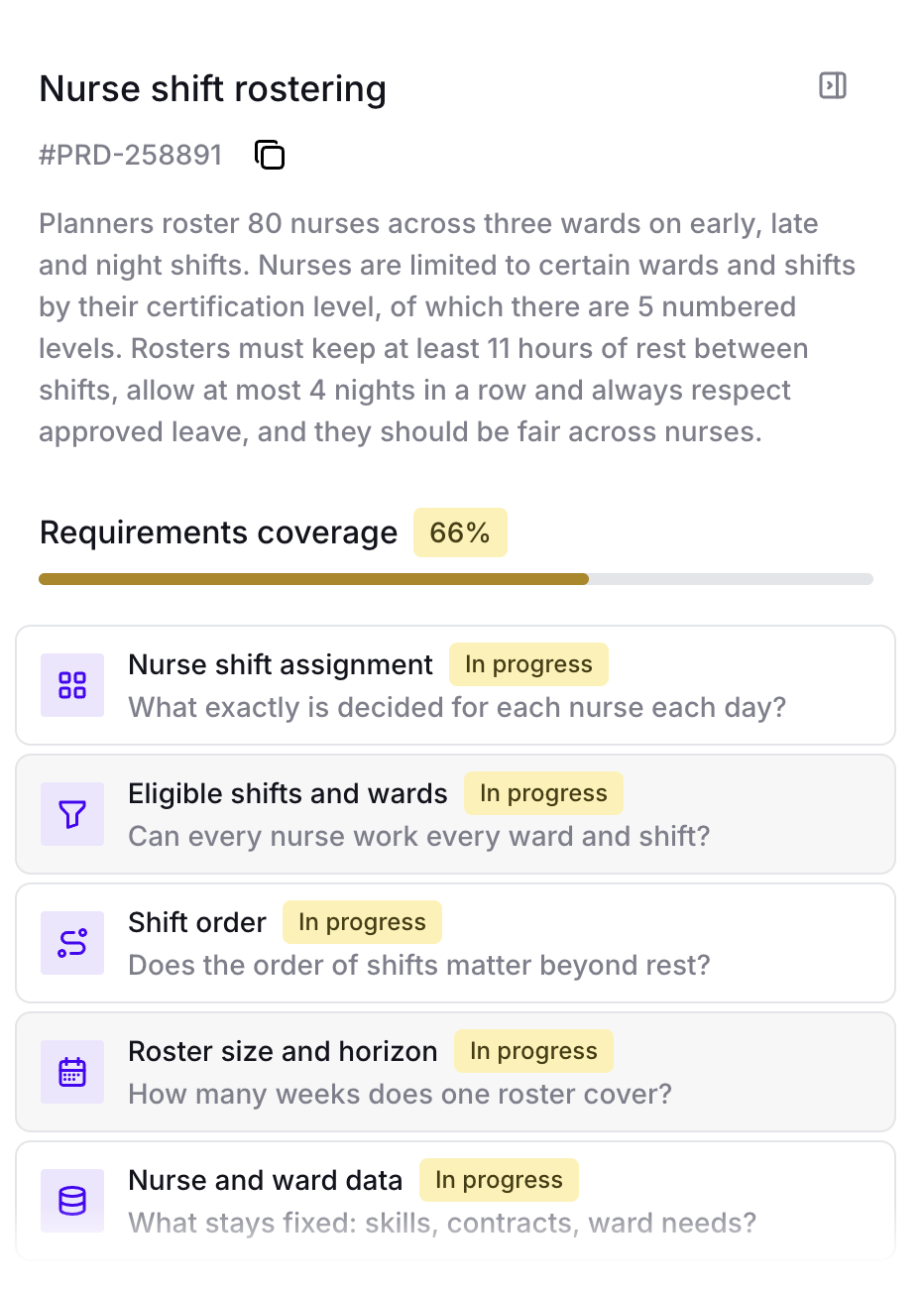
Overview
The top of the panel summarizes your plan:
-
A title and a PRD reference.
-
A short description.
-
"What is being planned": the things the plan assigns or schedules.
-
"Non-negotiable": the rules every plan must follow.
-
"Nice to have": the goals that make one plan better than another.
The overview updates as you answer.
PRD reference
Each plan has a reference such as #PRD-3F9A2C.
Select Copy reference to copy it.
Quote the reference when you talk to Timefold about this plan, for example when you contact support.
The reference also appears in the file name of the report you download with Download report.
Requirements coverage checklist
The checklist has ten points. Each point shows its status: Open, In progress, or Covered.
| Point | What it covers |
|---|---|
Assignments & decisions |
What you assign or decide. |
Assignment options |
Whether the options are the same for everyone, or restricted. For example, only some staff can do some tasks. |
Sequencing |
Whether order matters, not just what’s assigned. For example, the order of route stops or tasks. |
Fixed facts |
What stays fixed while you plan, such as locations, skills, capacities, hours, costs, and contracts. |
Derived values |
What gets calculated once a decision is made, such as arrival times, end times, and workload totals. |
Hard constraints |
The rules a plan can never break, such as double-booking or exceeding capacity. |
Goals & preferences |
What you optimize for: the preferences that make one valid plan better than another. |
Success metric |
How you grade a good plan, such as the KPIs you report today. |
Scale & horizon |
How far ahead you plan, and how many items and resources a plan holds. |
Data in & out |
What data goes into a plan, and what the returned plan must show. |
| Select a point in the checklist to make it the next topic of the interview. |