Using the OpenAPI spec
The Task Scheduling API conforms with the OpenAPI standard.
Accessing the spec
The Task Scheduling OpenAPI spec is available in two forms:
-
Interactive API reference: explore and try out endpoints directly in the browser.
-
Raw OpenAPI specification: the machine-readable spec for use with code generators or API clients.
Explore the Task Scheduling API in the Timefold Platform UI
You can explore the Task Scheduling API in Timefold Platform.
-
Log in to app.timefold.ai.
-
Select the Task Scheduling tile.
-
Select OpenAPI Spec.
API endpoints
To understand the API endpoints, select an endpoint to expand it. You will see:
-
Parameters: The parameters required by the API endpoint.
-
Request body: For POST endpoints, you can view example values that are accepted as part of the JSON input and the model schema.
-
Response: The responses the API endpoints will return, example values, and the schema.
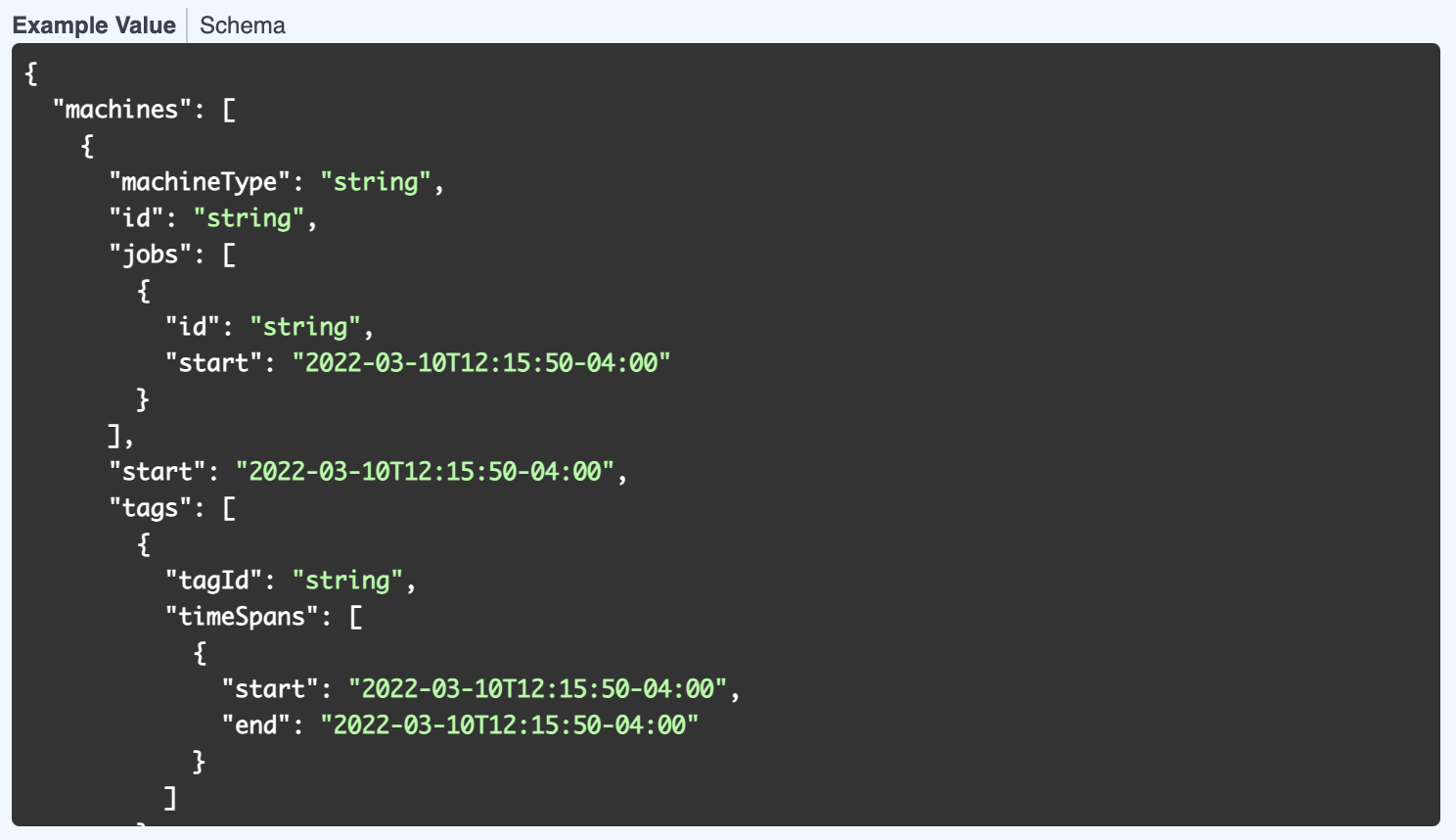
The Example Value tab for each endpoint show an example of the JSON for that endpoint:
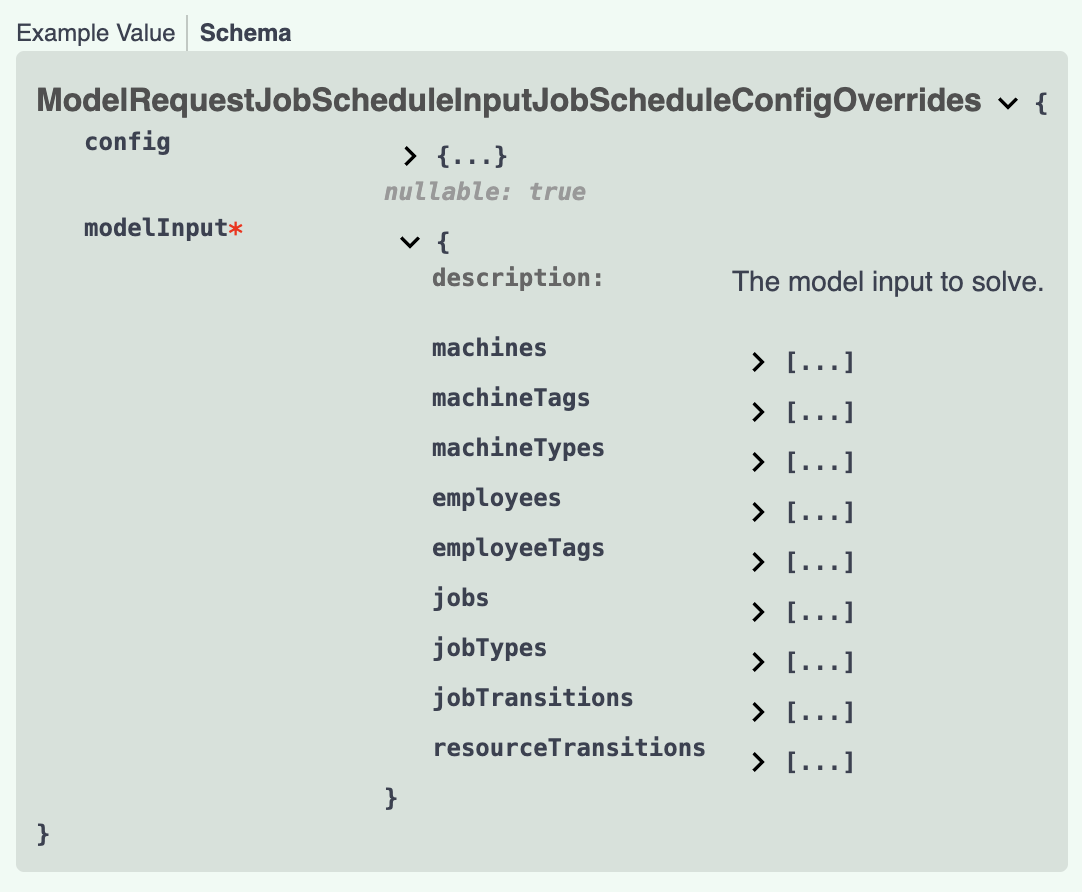
The Schema tab shows the values, their types, and a description. Each field can be expanded to view related information.
Testing the Task Scheduling API
To test the Task Scheduling API in the platform, you first need to authorize.
-
Via the Tenant drop-down in the top right, select Manage tenant.
-
Navigate to the API Keys section.
-
Create or copy an API key with Task Scheduling permissions.
-
Navigate back to the Task Scheduling tile and select OpenAPI Spec.
-
Click Authorize and paste the API key you just copied.
Demo datasets
Demo datasets that demonstrate the functionality are available. To view the list of demo datasets:
-
Expand the
POST /v1/demo-dataendpoint. -
Click Try it out, then click Execute.
You will see the Curl instructions to request the dataset and the request URL.
You will also see the response to the request with the list of available datasets.
To download one of the listed datasets:
-
Expand the
POST /v1/demo-data/{demoDataId}endpoint. -
Click Try it out, enter the name of the dataset, for instance, "BASIC", and click Execute.
In the response body, you will see the dataset. Copy the dataset to use with subsequent endpoints.
You can also use your own dataset to test the functionality.