Secrets
Secrets management allows you to securely store and reuse sensitive values, such as API keys or tokens, across your Timefold Platform integrations without exposing them in configuration screens or logs.
This feature is designed for enterprise-grade security and compliance, while keeping day-to-day configuration simple.
Why use secrets?
Many Timefold platform features integrate with external systems, such as webhooks or map providers. These integrations may require sensitive credentials.
Secrets management improves security by:
-
Encrypting secret values at rest.
-
Preventing retrieval of secret values after creation.
-
Allowing secure reuse via references.
-
Providing ownership, sharing, and audit logging.
What is a secret?
A secret is a secure, tenant-scoped object consisting of:
-
Name: A short descriptive name.
-
Description: Optional free text.
-
Owner: The user who created the secret.
-
Visibility flag: Whether the secret can be managed by other tenant admins.
-
Value: The sensitive data itself (write-only).
| Secret values can be set or updated, but they can never be retrieved again. |
Each secret is identified internally by a unique ID. This ID is used to reference the secret at runtime.
Who can manage secrets?
Secrets management is available to tenant admins.
Ownership and sharing rules apply:
-
Private secrets
-
Only visible to the owner.
-
Only the owner can use, update, or delete the secrets.
-
-
Shared secrets
-
Visible to all tenant admins.
-
Any tenant admin can use, update, or delete the secrets.
-
This allows teams to centralize sensitive credentials while still supporting single-owner responsibility when needed.
See Members for details on permissions.
Creating a secret
To create a secret:
-
Navigate to Manage tenant → Secrets.
-
Click Add secret.
-
Provide:
-
A name.
-
(Optional) description.
-
The secret value.
-
Whether the secret should be shared.
-
-
Click Save.
After saving, the value is encrypted and cannot be viewed again.
Using secrets
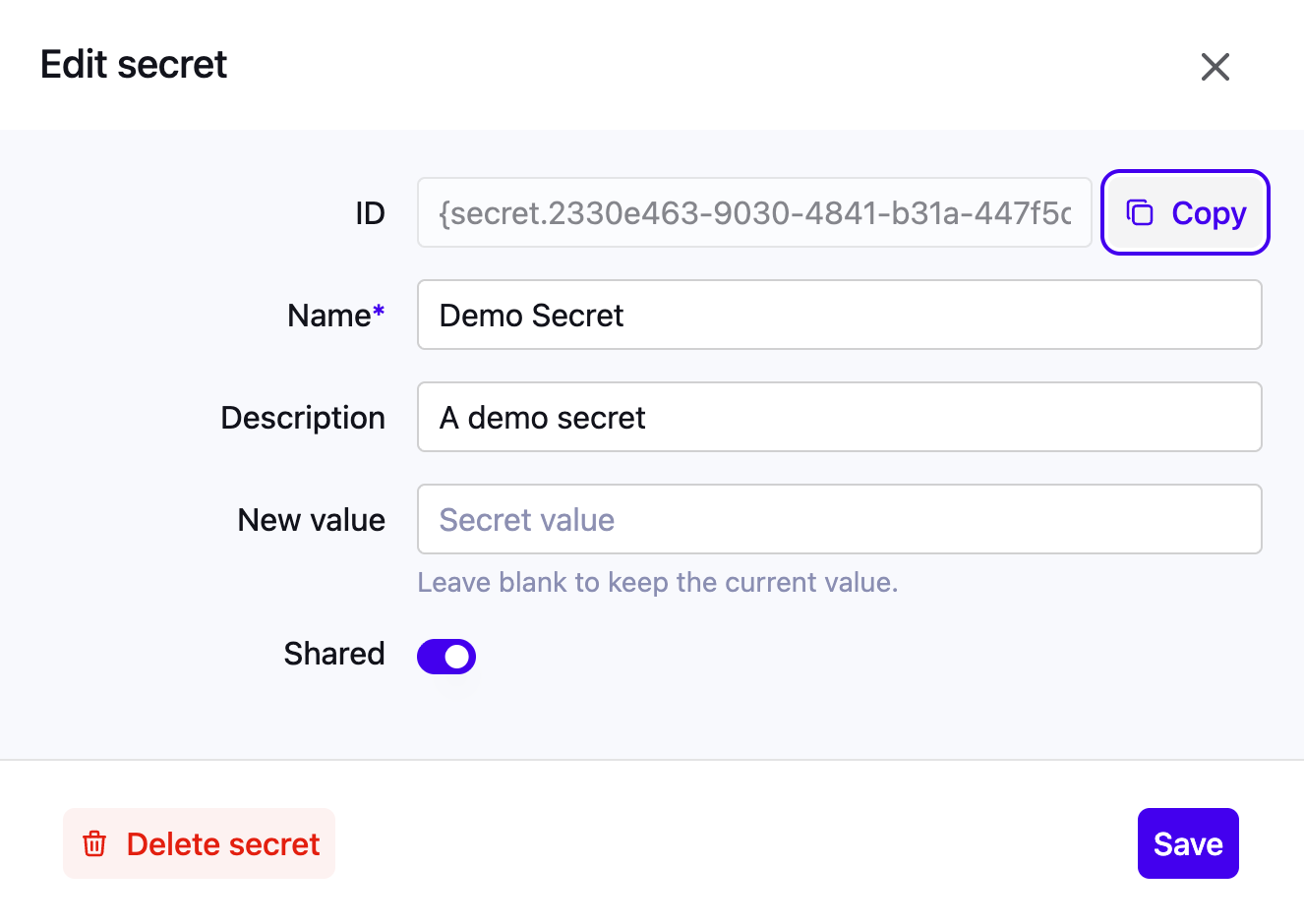
Secrets are injected at runtime using a reference pattern: {secret.id}
You can copy this reference from the Secrets UI and paste it into supported configuration fields.
Supported usage
Secrets can currently be used in:
-
-
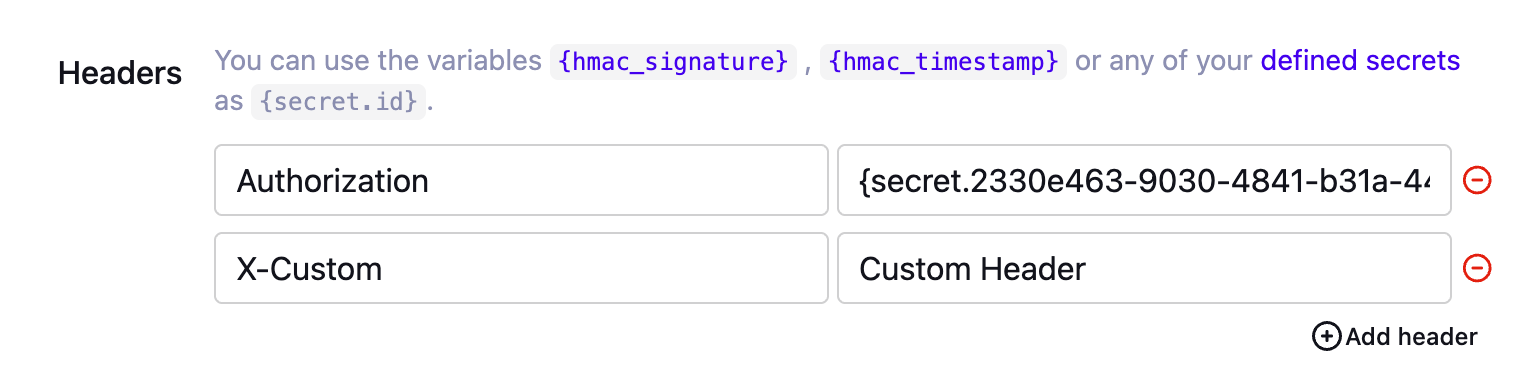
Headers.
-
Example:
Authorization: {secret.id}. -
HMAC Key.
-
-
-
Headers only.
-
Configured via the Gateway API (POST / PUT).
-
Secrets cannot be used in request bodies or query parameters.
|
If a user doesn’t have access to a private secret, they might still be able to edit the configuration where it’s used. In this case:
|