Command palette
The command palette lets you quickly navigate through Timefold Platform without manually browsing menus.
Open the command palette from anywhere in the platform by pressing Cmd+K on macOS, or Ctrl+K on Windows and Linux.
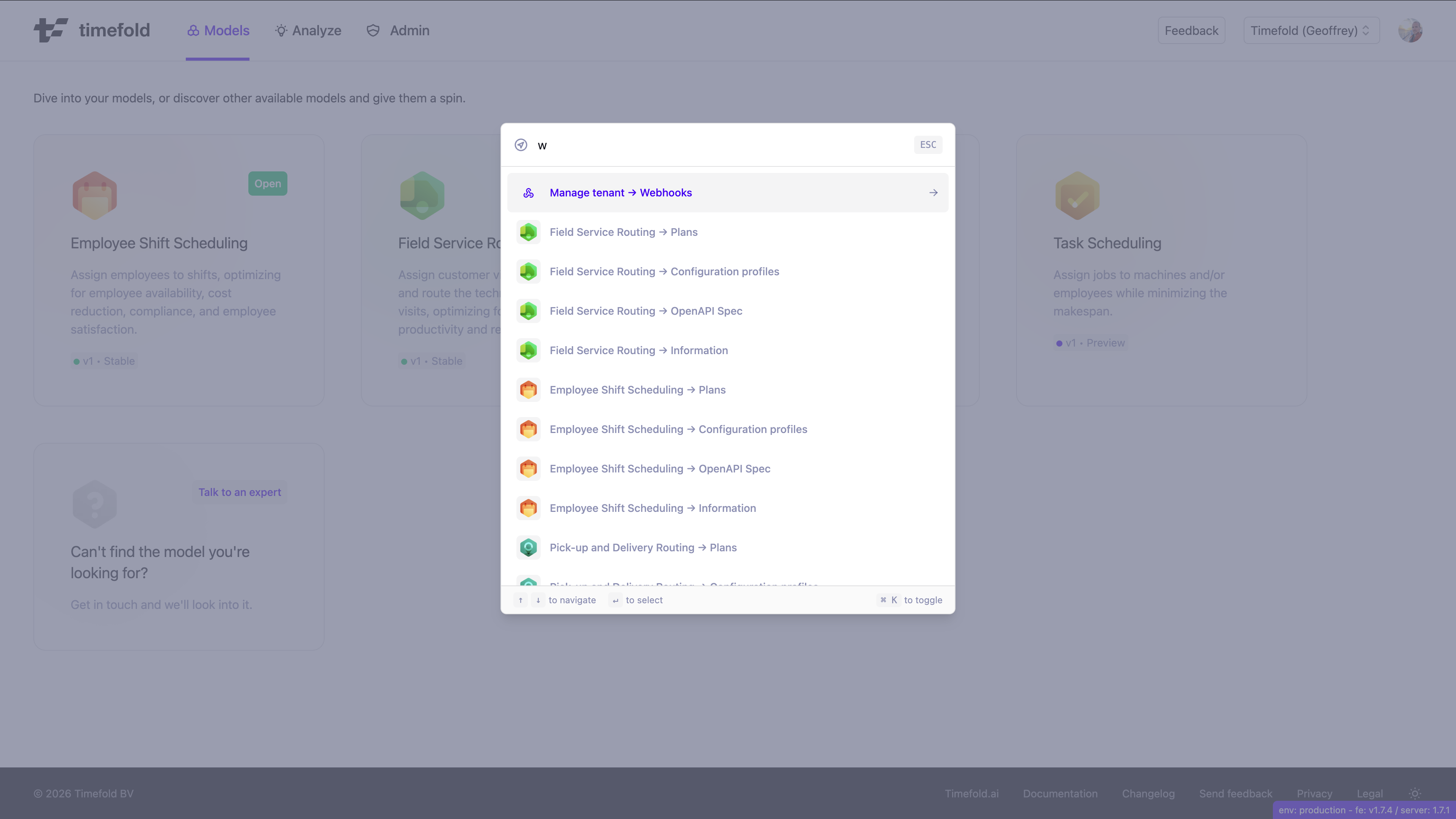
Searching for a destination
The command palette shows a search field and a list of results. As you type, the list filters to the pages and actions that match your search, so you don’t need to type an exact title.
When you open the palette without typing a search query, it shows your recently visited pages first, so you can jump back to the pages you use most often with a single keystroke.
Select a result to navigate directly to it. The palette closes automatically after you navigate.
Palette options
The command palette includes:
-
Global navigation items, such as tenant settings and admin pages.
-
Actions, such as sending feedback.
-
Per-model shortcuts for each model your tenant is subscribed to, including quick links to that model’s:
-
Plans.
-
Configuration profiles.
-
OpenAPI Spec.
-
Information page.
-